Copilot
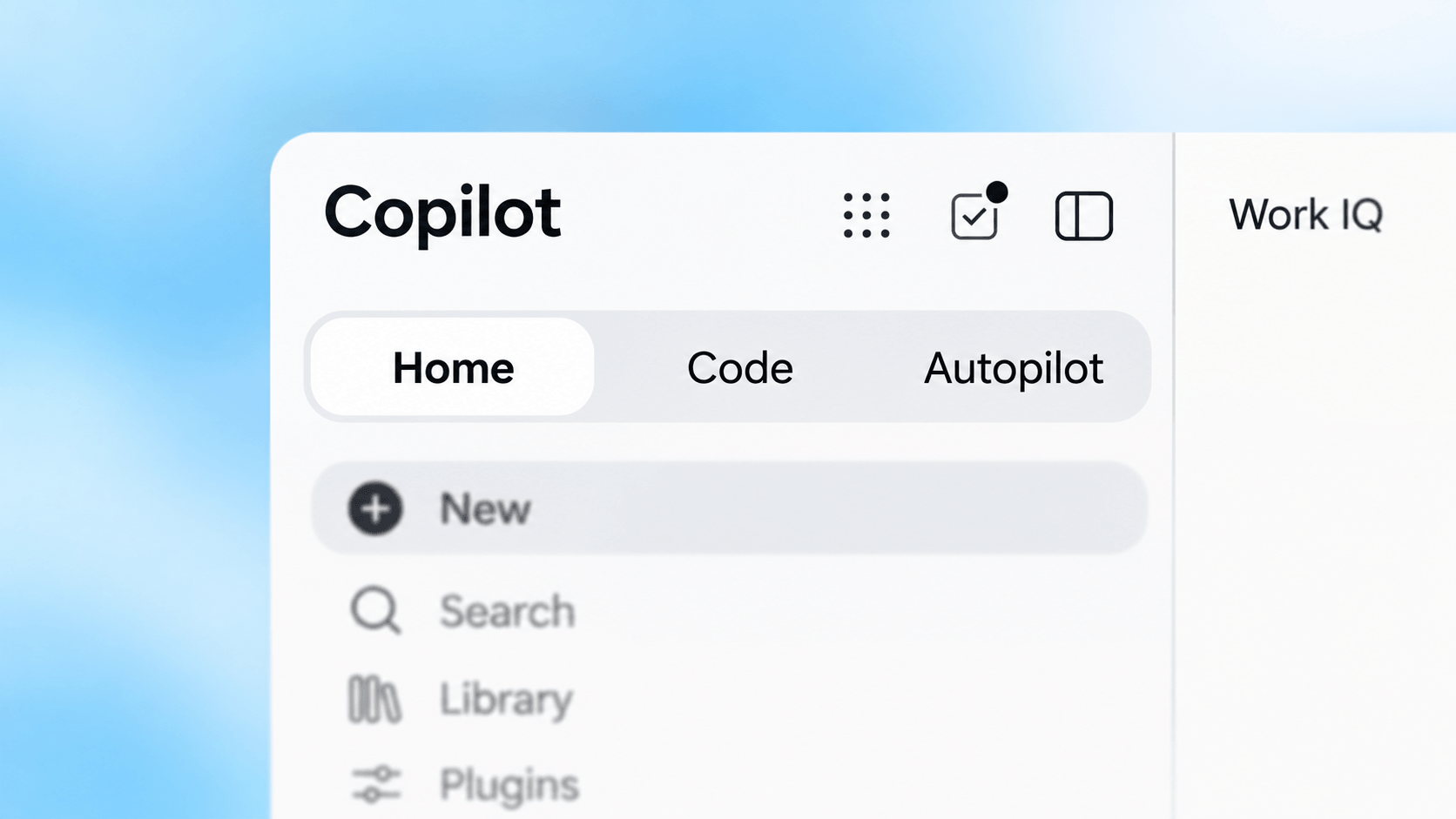
Start with the work: get help, delegate a task, build a solution, or automate ongoing work. I use four modes of work in Copilot:
- Assist: Ask, draft, and analyze with Chat.
- Delegate: Assign Cowork a multistep task and review the result.
- Build: Create your own solution with Code by describing what it should do.
- Automate: Give Autopilot an ongoing goal within agreed boundaries.
Microsoft brings Chat and Cowork together in Home. Code and Autopilot add building and ongoing work to that experience. See Microsoft's September 25, 2026 announcement. Access depends on the feature, license, and preview terms.
Assist
Start here when you want an answer, a draft, or help with your own work. Copilot Chat can use information you provide and capabilities included with an eligible Microsoft 365 subscription. Microsoft 365 Copilot adds licensed work-context experiences across supported Microsoft 365 content and apps. Agents can also make selected organizational data available in Copilot Chat, so the boundary is not absolute. Compare the assistance options and check the licensing model.
Delegate
Use Copilot Cowork when the result needs several steps across apps, files, or connected services. Set the task and boundaries, approve requested actions, and inspect the result. Cowork can also handle recurring tasks. A standing responsibility with proactive follow-up fits Autopilot under Automate. Read how to delegate work.
Build
Use Copilot Code to create your own solution through natural language, such as a small tool for your team. Microsoft describes this as building without prior coding experience. Start with the need and validate the first version before others rely on it. Code is available through Frontier. Explore building with Copilot Code for access, validation, and ownership.
Automate
Use Autopilot when work needs continued attention, such as watching updates and preparing follow-ups. Microsoft describes a proactive cloud-hosted agent with its own identity and workspace. Autopilot is a preview experience. Set authority, monitoring, and cost boundaries before relying on it for a process. Read the automation guide.
Build Agents And Develop AI Applications
For a reusable organizational agent or a maintained software application, choose tools that support its publishing, access, and operating needs.
Build Agents
- Agent Builder is no-code: Configure instructions and knowledge sources without writing code. Start here for a focused agent that answers questions for you or a small team.
- Copilot Studio is low-code: Build with visual tools, connectors, and reusable components, with custom code where needed. Choose it when the agent needs actions, wider publication, integrations, or a managed production lifecycle.
I recommend low-code when the available building blocks fit the process. Compare the building options.
Develop Software And AI Applications
With pro-code, a development team writes and maintains software with code, APIs, and SDKs:
- GitHub Copilot supports pro-code development: It helps developers write, explain, test, and review code.
- Microsoft Foundry supports pro-code AI solutions: Use it to build and operate AI applications, agents, and models on Azure, with your own logic and integrations.
A team may use both: GitHub Copilot for application code and Foundry for the AI runtime and evaluation. Choose pro-code when custom logic or control over models and orchestration justifies the development work and a team can maintain it. A solution can combine this code with low-code components. Compare the development options.
Before You Expand Use
Assign an owner, test the solution, and arrange support before others rely on it. Check the quality and ownership of the information AI will use. Review access, expected human checks, support, and the cost of repeated or long-running work. Start with Permissions And Ownership and Microsoft Purview; use Copilot Studio agent governance when an agent becomes an organizational service.
Official Microsoft Documentation
- Microsoft Copilot licensing options
- Agent Builder and Copilot Studio comparison
- Microsoft announcement of Home, Code, and Autopilot
- Build solutions with Copilot Code
- Delegate ongoing work to Autopilot
- Microsoft Foundry overview