The new Copilot: from a question to finished work

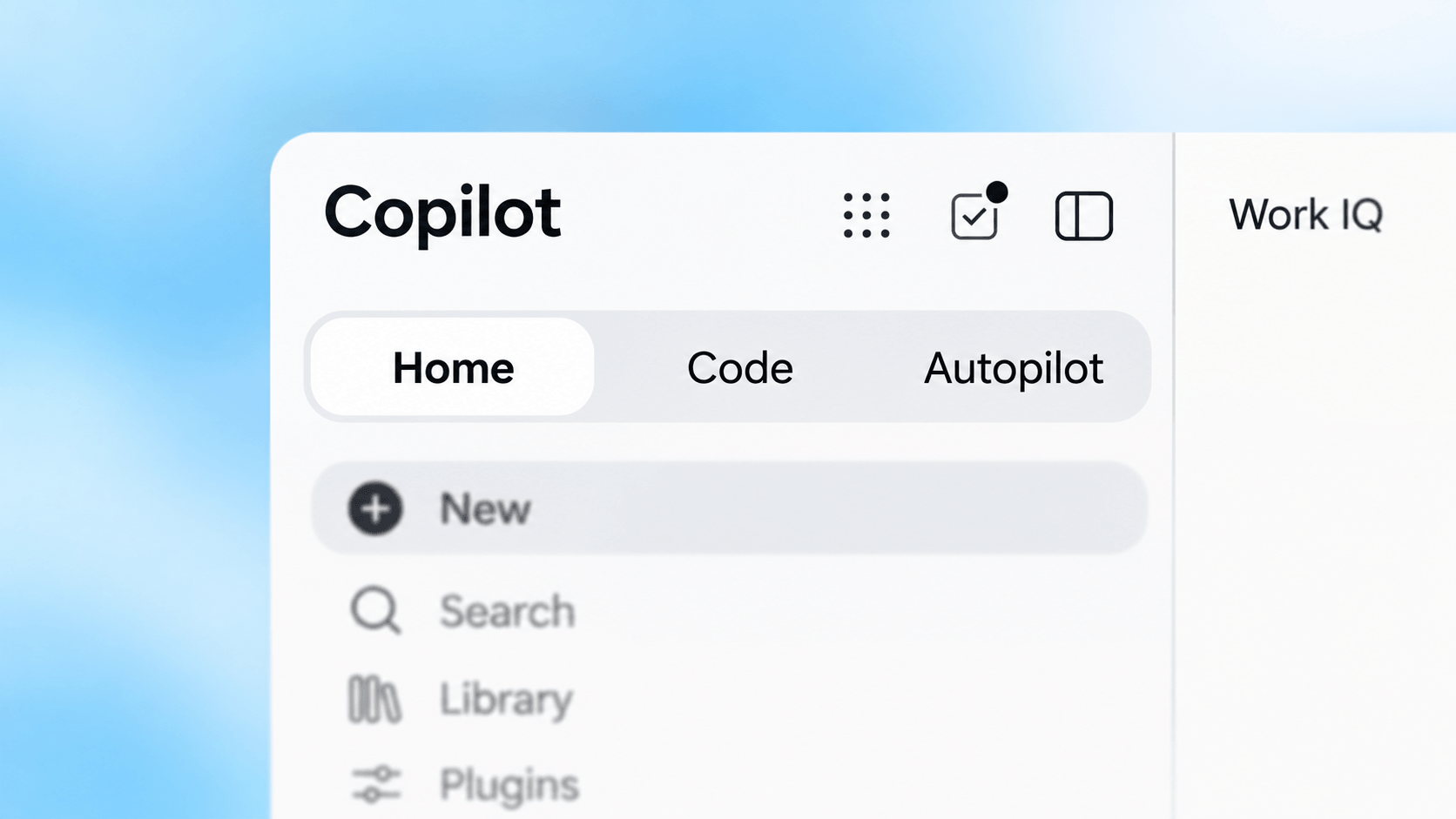
On September 25, 2026, Microsoft announced the new Copilot with Home, Code, and Autopilot. Home brings Chat and Cowork together, Code helps you build your own solutions, and Autopilot is designed to keep working in the background.
Mike Tholfsen explains the announcement clearly in his short video, The NEW Microsoft Copilot Super App – Everything That's Changing. He connects the new app to four ways of working: getting help, delegating, building, and automating. I find that breakdown useful because it helps you decide which work you want Copilot to take on.
If you are new to Copilot, start with the Copilot overview. Compare the ways of working, tools, and licensing models there before choosing what to try.
This video is provided by YouTube.
You can load the video here or open it directly on YouTube. In either case, your browser connects to YouTube and YouTube may process data such as your IP address and information about your device and browser.
One place to continue the work
Home brings Chat and Cowork together. Office in Copilot adds editable Word documents, Excel workbooks, and PowerPoint presentations to the conversation. Microsoft's September 25, 2026 announcement describes the combined experience and its rollout.
I want to refine the actual file, check the result, and continue collaborating without copying another answer into a separate draft.
Four ways to use Copilot
The video's four modes help explain what you hand over:
| Mode | What you ask Copilot to do |
|---|---|
| Assist: Chat | Answer a question, draft text, or help analyze information. |
| Delegate: Cowork | Carry out a multistep task and return a result to review. |
| Build: Code | Turn a description into a working tool, such as a tracker or dashboard. |
| Automate: Autopilot | Keep working on an ongoing responsibility within agreed boundaries. |
Microsoft describes Autopilot as a cloud-hosted agent with its own identity. Giving it an ongoing responsibility also means agreeing who checks its actions and when it must ask for approval.
Microsoft Learn describes Code and Autopilot as Frontier preview experiences. For organizational use, Cowork, Code, and Autopilot use Copilot Credits through usage-based billing, with a required user subscription license and an administrator-configured billing policy. An announcement does not guarantee access in your account.
Credits and cost control
Credits measure eligible AI consumption. Funding options include pay-as-you-go, monthly capacity packs, and pre-purchase plans. The available credit sources and policy settings determine how usage is charged.
I would measure representative pilot tasks before committing to capacity. Have the administrator configure spending policies, limits, and alerts using Microsoft's cost management guidance.
Start with one task you can check
Choose a task whose result you can judge, using information with a clear owner. Agree who reviews the output. If you build a tool, assign someone to maintain it before colleagues depend on it. Expand when the result is useful and the review effort is manageable.
Use the Copilot overview to choose a starting point and Licensing And Costs to discuss access and funding.